Demo
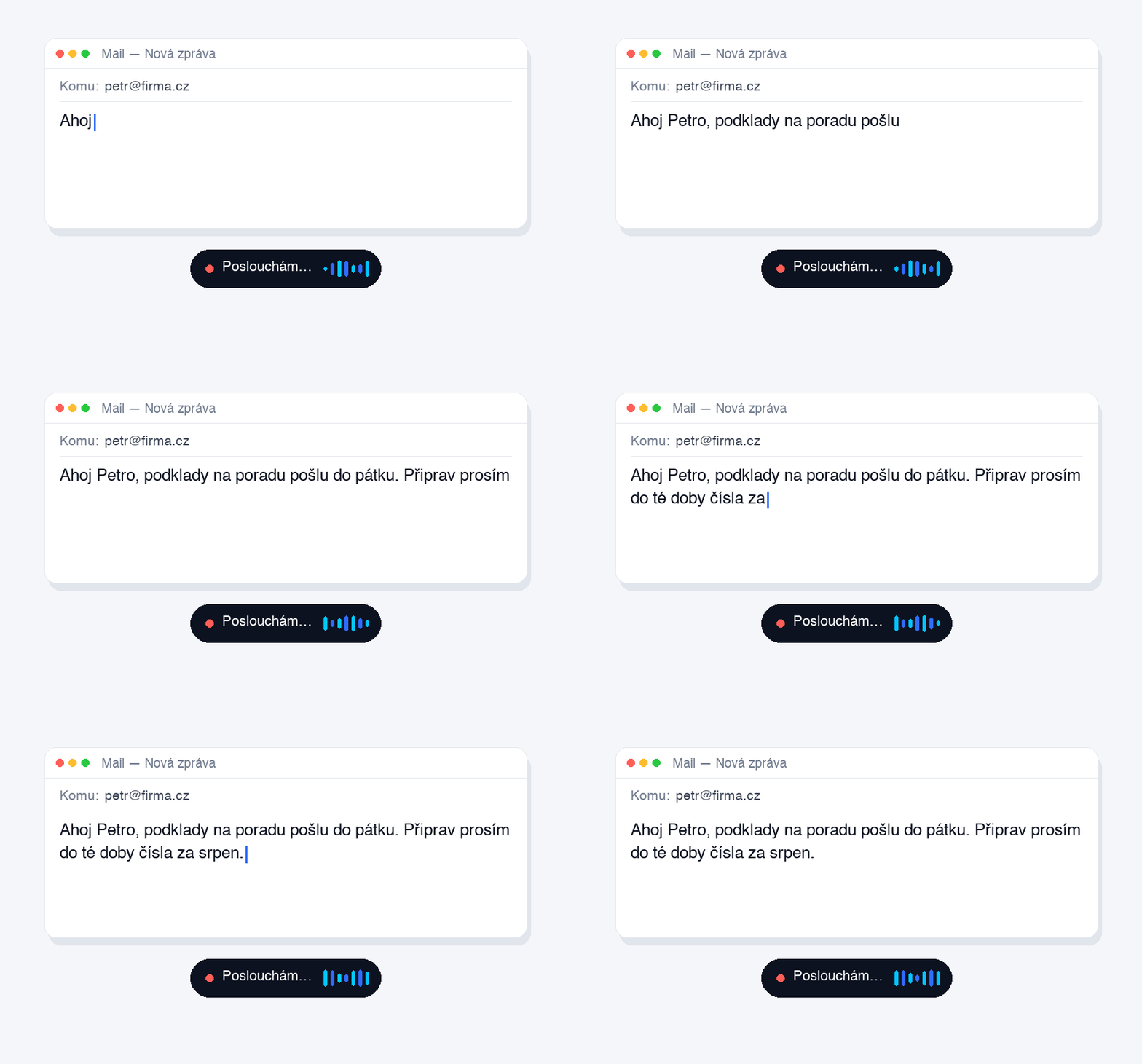
You speak — and the text writes itself.
Press your shortcut and speak — Partner Voice transcribes your thought and drops it into any app. The AI runs right on your Mac.
Hi Peter, I’ll send the materials for the meeting by Friday. Please prepare the August figures by then.
Everything you need for daily work — precise and noise-free.
Your keyboard shortcut inserts text into whatever app is open — mail, chat, notes, a document.
Transcription via Whisper runs locally. Audio never leaves your Mac — fine even for sensitive meetings.
Verbatim, cleaned-up, bullets, email, or an Executive summary with action items.
Dictate a decision and the why on the go — the app fills in the what, the impact and when to revisit. Weekly overview.
Dictate your thoughts before a meeting — you get a structured agenda with points to decide.
Say “make bullets”, “summarize” or “write an email” and the text is formatted instantly.
Transcripts are saved as notes — name, tag, pin, search. Nothing gets lost.
Text appears as you speak. You see what you’re saying in real time.
Import a voice memo or a meeting recording and get clean text out of it.
Native interface and output — plus a dictionary that keeps names, brands and terms correct.
On-device Whisper (free, offline), Apple Speech, or OpenAI with your own key.
One license, iCloud note sync, a keyboard and widget on your phone, quick capture from your watch.
Say “for Jirka: prepare the sales documents” and a task is created for that person. Send it in one tap via WhatsApp or email. Syncs across Mac and iPhone.
Dictate a note — Partner Voice adds a title, topic and tags and files it. Instead of a wall of text you get a clean, searchable record.
Have a recap, note or your tasks read aloud in a natural voice — ideal for the car or on the go.
Same core, zero setup. Message our bot (or add the Slack app in one click) and you're working — no tokens, no install, nothing to configure.
Your custom shortcut, anywhere in the system. A subtle indicator appears.
It records and transcribes — on-device, or via your chosen engine.
The finished output is inserted straight into the app you’re in.
We deploy Partner Voice as a quiet layer on top of what your company already uses. Your team installs nothing — tasks reach them in Slack, WhatsApp, Telegram or email and they close them with a Done button, no login. You only pay for the people who record and dictate.
After a call you dictate a recap — you get notes, next step, a follow-up email and a CRM block to drop into Pipedrive, Raynet or a sheet. No typing it up in the evening. Partner Voice removes work, it doesn’t add it.
Dictate tasks — they’re sent to people and whatever is overdue is reminded every morning. A dashboard and “who owns what” shows what’s pending and with whom. The company stops depending on one person.
Rolled out via a CEO Partner consultation — a pilot at your company, output straight into your CRM. The rest of the team installs nothing.
From a thought to finished notes, tasks and emails — while you focus on what matters.

Partner Voice for iPhone: dictate anywhere with a custom keyboard, send straight to Mail, Reminders and Calendar. Transcripts sync with your Mac over iCloud — what you dictate in the car is on your desk.
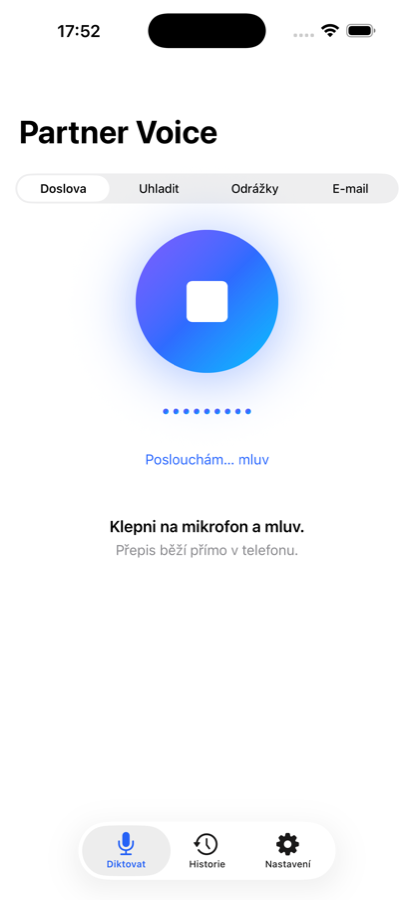
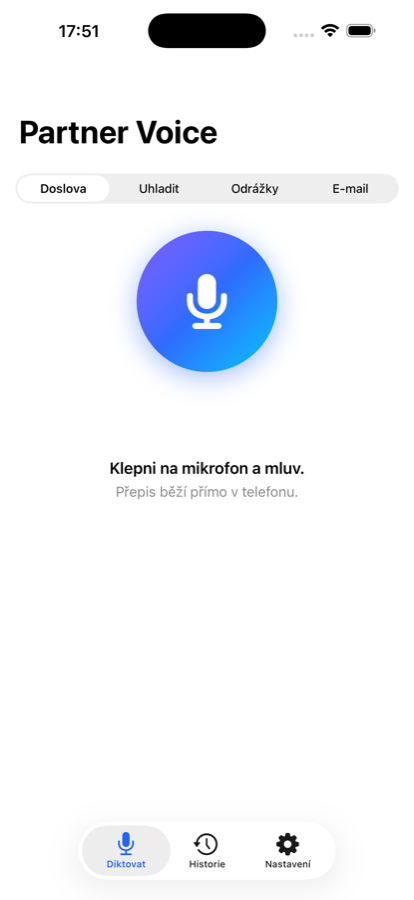
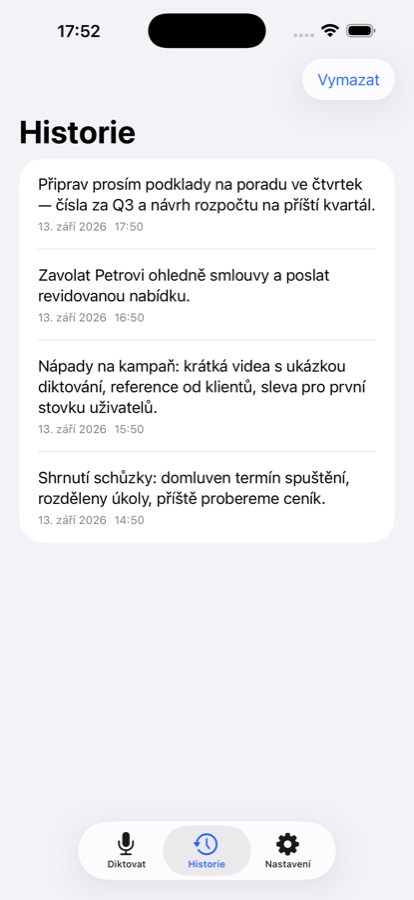
Dictate a meeting — Brain extracts who owes what by when, tracks progress and sends you a morning push with what to finish today. No manual task entry.
Voice Pro is a one-time purchase for Mac and iPhone. Brain is an optional add-on via in-app purchase on iPhone.
With on-device transcription (Whisper / Apple Speech), no — audio stays on your Mac. Optionally you can use OpenAI with your own key.
No. On-device transcription is free and offline. OpenAI is just an optional engine and you pay them directly per usage.
macOS 13 and later, Intel and Apple Silicon. On-device Whisper is for Apple Silicon; on Intel use Apple Speech or OpenAI.
Text is inserted into the active app through the system interface — Mail, Slack, Notes, browsers, editors and more.
Download the DMG, open it and drag Partner Voice into Applications. It’s notarized by Apple, so it launches without warnings. See the full steps and permissions in the installation guide.
14-day money-back guarantee, no questions asked.